
Import Data to Schedules
Bring structured data into supported Revit schedules.

STRUXA by HAND
Revit tools for data, documentation, and model checks.
One Revit tab. Twenty-plus tools for exchanging data, preparing drawings, and checking models.
Downloading the installer does not grant paid access. A HAND Account with a verified email is required to download. Activate each product with your license email and serial.
Included with HAND Annual License
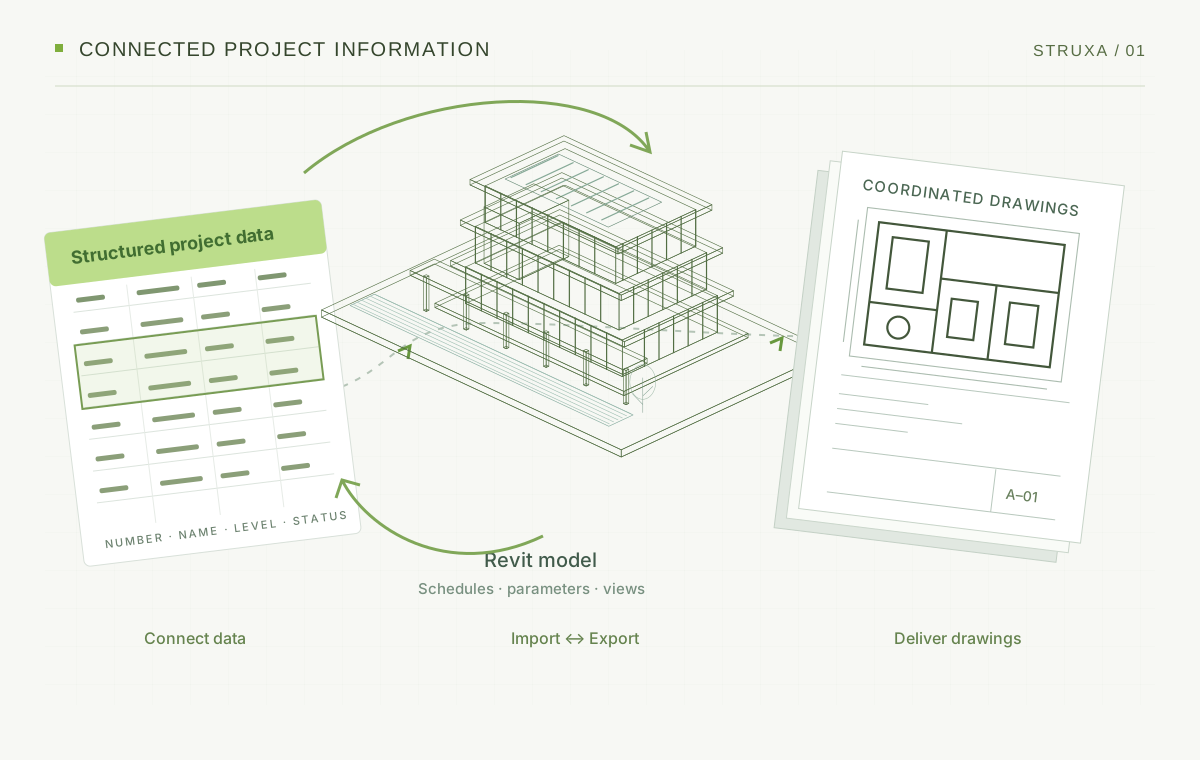
01 · Data exchange — Import & Export
Import supported schedule and parameter data into Revit. Export supported schedules, element data, room information, and linked-model data for review and coordination.
Bring structured data into schedules and export supported project information.
Import supported parameter values using element IDs.
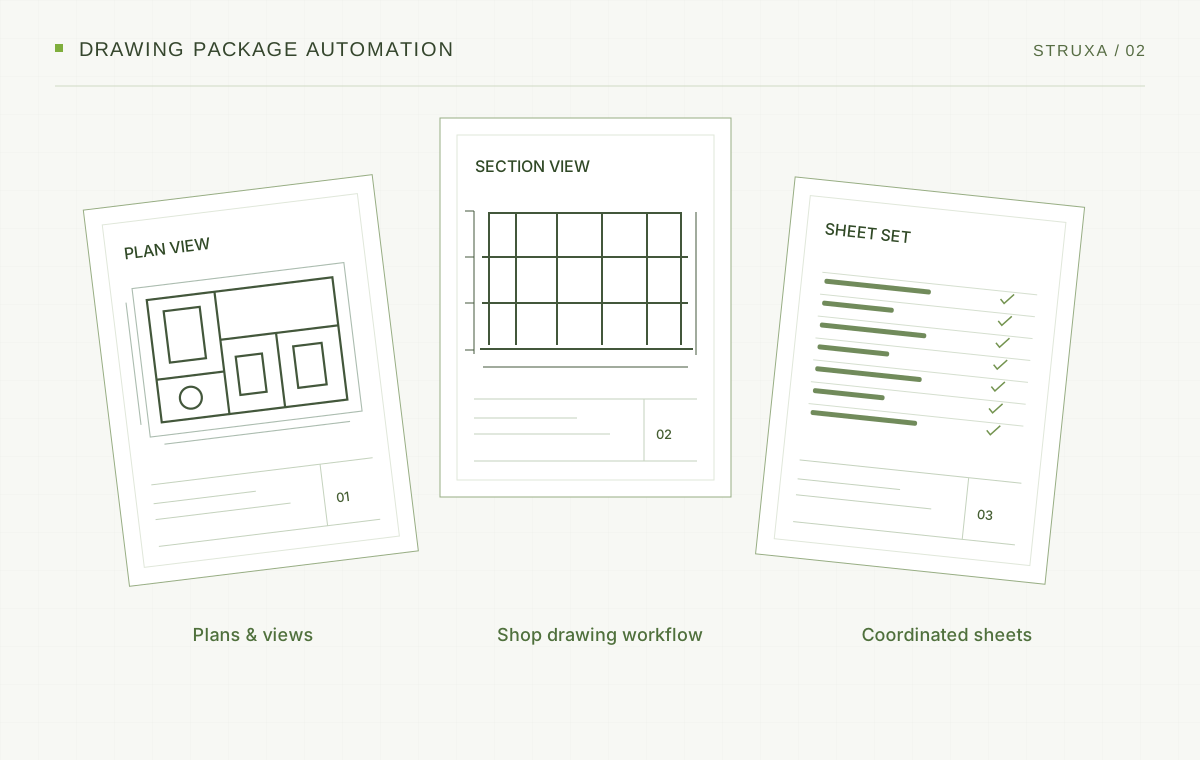
02 · Sheets, views & shop drawings
Create supported plans, sections, elevations, and sheets from project data. Use the shop drawing tools to prepare documentation.
Use sheet numbers, names, title blocks, and supported view selections.
View, add, edit, and apply project revisions across multiple sheets.
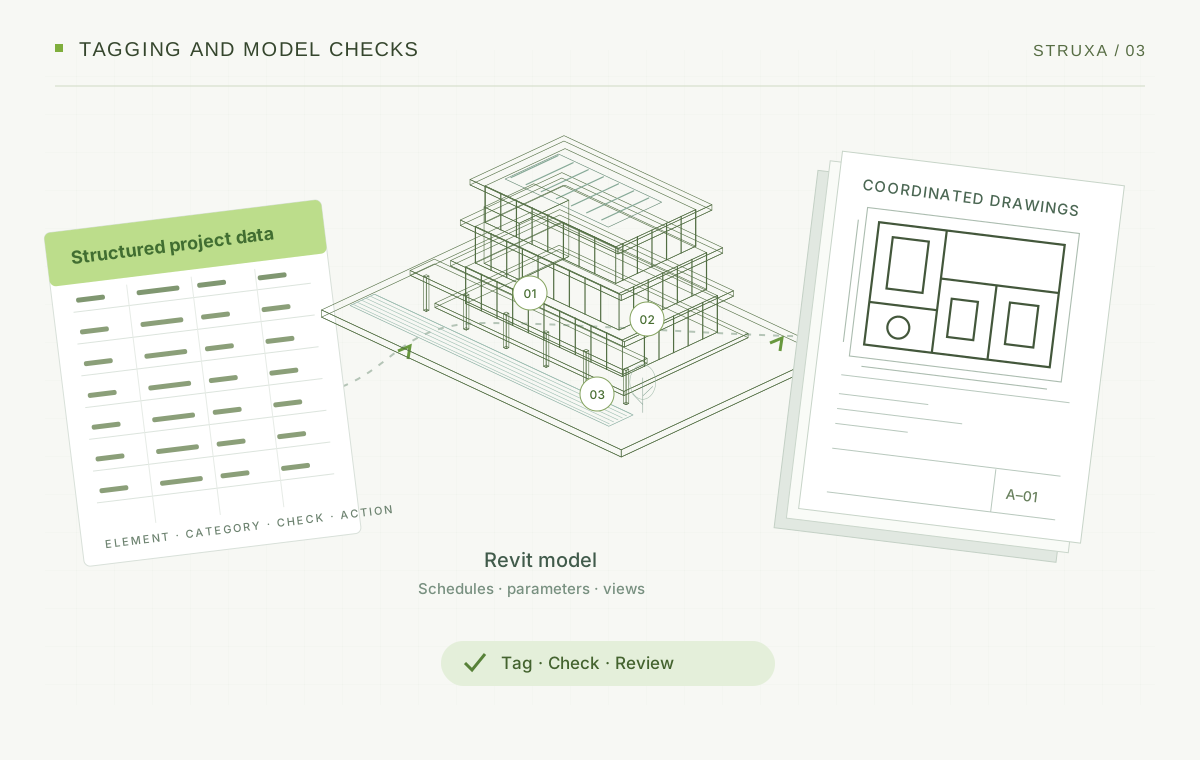
03 · Auto Tag & Model Health
Tag supported elements and check model issues before issuing drawings.
Tag supported categories in the active view or supported view sets.
Review warnings, unplaced rooms, in-place families, unused templates, and missing parameters, using the supported repair tools and quality reports.
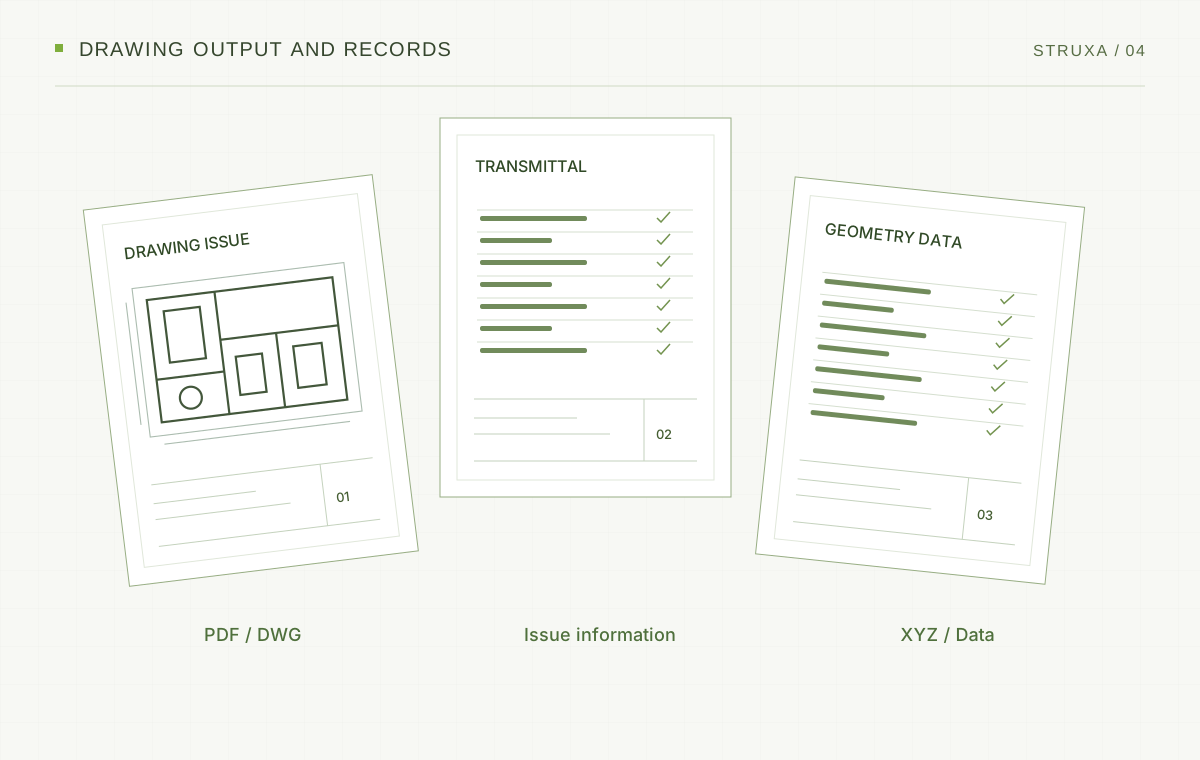
04 · Output, transmittals & geometry
Export supported drawings in batches and prepare transmittals that record drawing issues.
Prepare supported batch output and drawing issue records.
Export supported point data in mm, m, or ft, using Internal, Base Point, or Survey Point origins where supported.
Explore the toolkit
Open a category to explore the supported commands.
Bring structured data into supported Revit schedules.
Export supported schedule data for editing, review and coordination.
Extract supported element data for review and coordination.
Export room information including Number, Name, Level, Area, Perimeter, Volume and Department.
Access supported data from linked Revit models.
Update supported parameters using structured element data.
Create sheets from structured data or supported manual workflows with numbers, names, and title blocks.
Create supported plans, sections, and elevations using structured data and supported view selections.
View, add, edit, and apply project revisions across multiple sheets.
Print sheets in batches with options for paper size, zoom, color or grayscale, and file names.
Export sheets in batches with supported AutoCAD versions, drawing units, and export settings.
Create supported drawing issue records for review and issue tracking.
Prepare shop drawing documentation with the supported STRUXA tools.
Apply supported category tags to the active view or supported view sets.
Review warnings, unplaced rooms, in-place families, unused templates, and missing parameters; use the supported repair tools and reports.
Find and replace, add prefixes or suffixes, use regular expressions, and preview changes.
Apply supported parameter changes in bulk.
Assign sequential numbers through supported workflows.
Replace supported family types in bulk.
Current release
Release Candidate · Functionally approved by the product owner
0C4B85BB1C4F69016F964A26747D0A9C4BC8CA02834ADD1351198084D1377954Installer access requires a HAND Account with a verified email and a published installer. Licensing is handled separately inside the product.
Less repetitive work
Find and replace text, add prefixes or suffixes, and use regular expressions. Preview changes before applying them.
Apply supported parameter changes in bulk.
Assign sequential numbers and replace supported family types.

 LANDSTRUXA
 R3M
HAND Annual License
LAND by HAND, STRUXA by HAND, and R3M share one license email and one serial.